Project Management — Organize APIs, Functions & Teams
Projects are the top-level organizational unit in moqapi.dev. They group related functions, APIs, layers, and cron jobs into a single workspace.
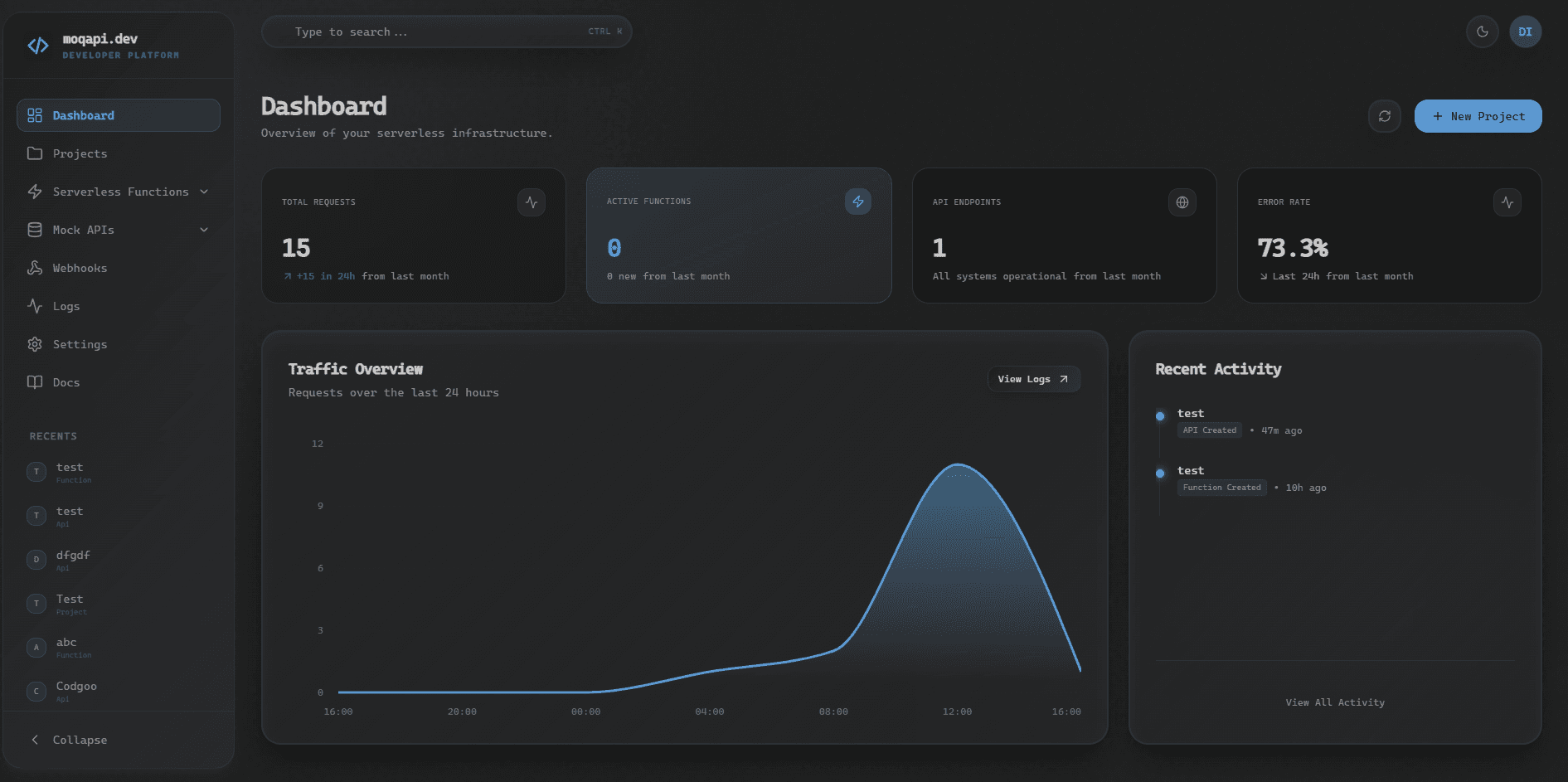
// Use Cases
E-Commerce Backend
Group payment processing, order management, and inventory sync functions under one project. Attach shared authentication layers and schedule nightly inventory reconciliation via cron.
SaaS Multi-Tenant API
Create a project per tenant or per microservice boundary. Each project can have isolated functions, APIs, and environment-specific configuration.
Internal Tooling
Build Slack bots, webhook handlers, and data pipeline functions. Group them by team (engineering, marketing, operations) for clear ownership and access control.
// Creating a Project
- Navigate to
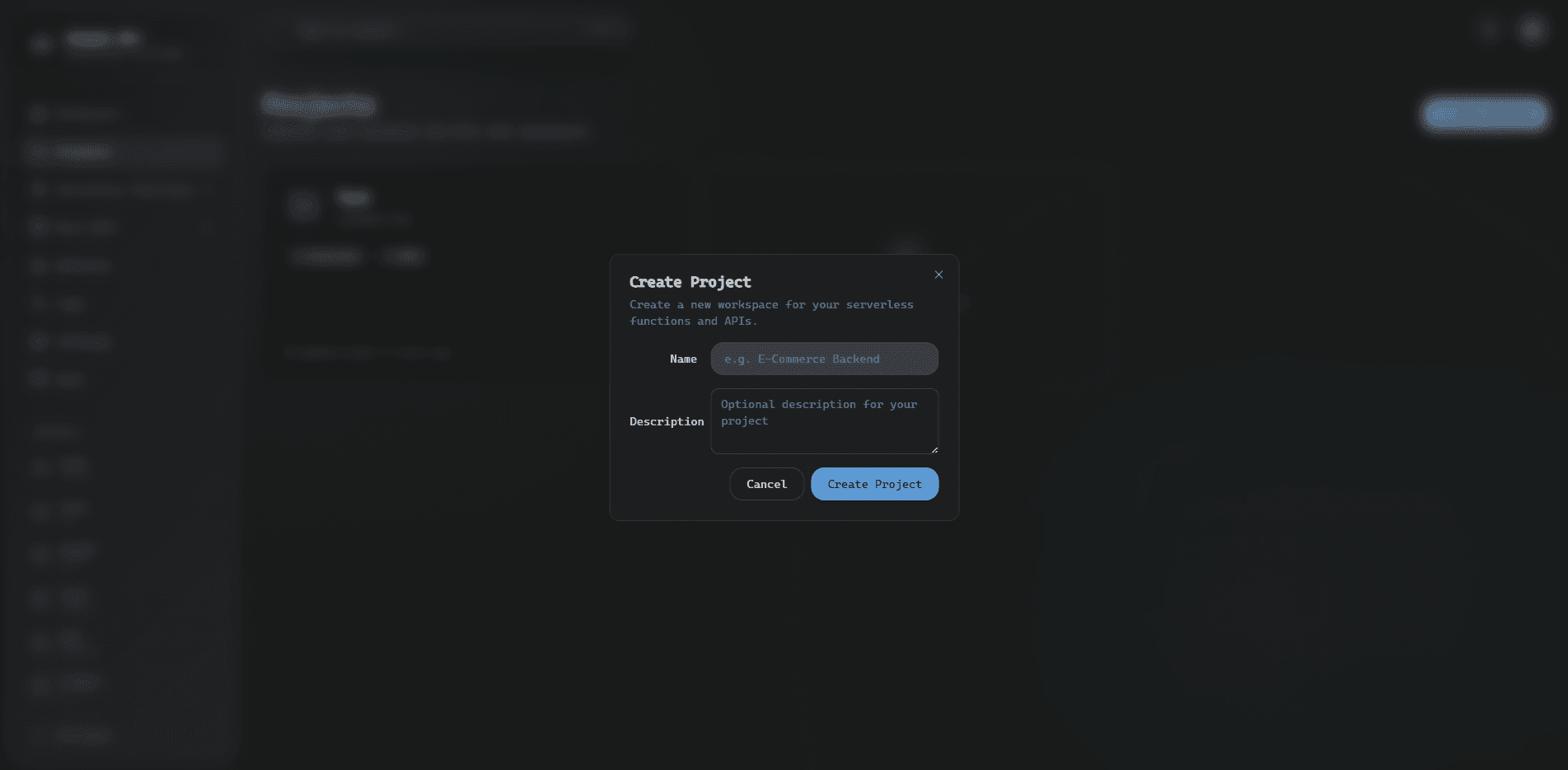
/projectsin the dashboard - Click "Create Project"
- Enter a name, optional description, and a project ID (auto-generated from the project name)
- Start adding functions, APIs, and resources
// Invoke URL
Every project has a unique project ID. All mock APIs, serverless functions, and API gateway routes in that project are served under a single base URL:
URL patterns:
moqapi.dev/api/invoke/{projectId}/products-api/products— Mock API resource endpointmoqapi.dev/api/invoke/{projectId}/petstore/pet/findByStatus— OpenAPI spec routemoqapi.dev/api/invoke/{projectId}/my-gql/— GraphQL endpoint (POST)moqapi.dev/api/invoke/{projectId}/soap-svc/— SOAP endpointmoqapi.dev/api/invoke/{projectId}/fn/my-function— Serverless function
// Sample Project Structure
{
  "name": "payment-gateway",
  "description": "Handles all payment processing flows",
  "functions": [
    "process-payment",
    "refund-handler",
    "webhook-listener"
  ],
  "apis": [
    { "name": "Payments API", "basePath": "/payments" }
  ],
  "cronJobs": [
    { "name": "daily-reconciliation", "schedule": "0 0 * * *" }
  ],
  "layers": ["shared-auth", "stripe-sdk"]
}